
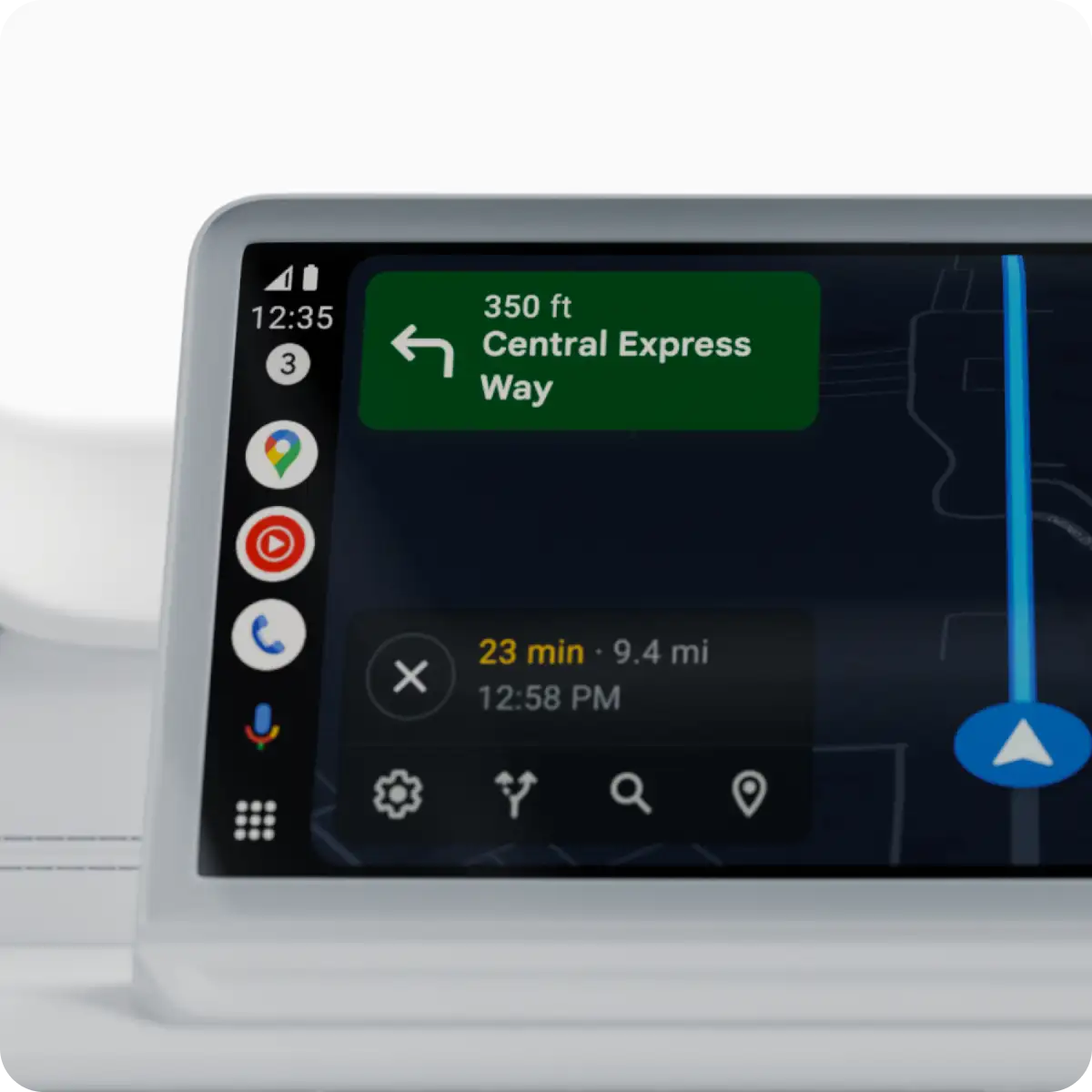
Google is testing a new customization feature for Android Auto that will allow drivers to add home screen widgets such as Weather, Clock, or Spotify directly to their car displays. The feature, still in early development, is designed to make essential information and controls more accessible while maintaining a simple, driver-friendly interface.
Codenamed “Earth” in recent beta builds, the widget system introduces a level of personalization that Android Auto has not previously offered. According to findings from Android Authority, the feature appeared in version 15.6 of the Android Auto beta, enabling users to select, resize, and manage widgets through the Android Auto app on their smartphones. Each widget occupies about 35 to 40 percent of the screen, typically on the left side, while navigation or media controls remain on the right.
“The new widgets are intended to provide drivers with quick, glanceable information without distracting from the road,” a Google spokesperson said. However, the company noted the feature is “still being refined and may not be available in all apps at launch.” At this stage, only one widget can be active at a time, and attempts to use multiple or duplicate widgets trigger error messages.
Initial testing shows mixed functionality among apps. The Clock and Pixel Weather widgets run smoothly, with the latter updating automatically when location permissions are granted. Other widgets, such as Google Keep and Gemini, currently offer limited functionality and sometimes open on the connected smartphone rather than the car display. Media widgets like Spotify work for basic playback but remain prone to occasional interaction errors.
The widget rollout forms part of a broader Android Auto revamp that includes enhanced Assistant shortcuts and redesigned media tools. Google’s new approach mirrors Apple’s recent addition of widgets to CarPlay, reflecting a broader industry trend toward more customizable, app-integrated car dashboards. No timeline has been announced for a public release of the new feature.
Source: Android Authority