
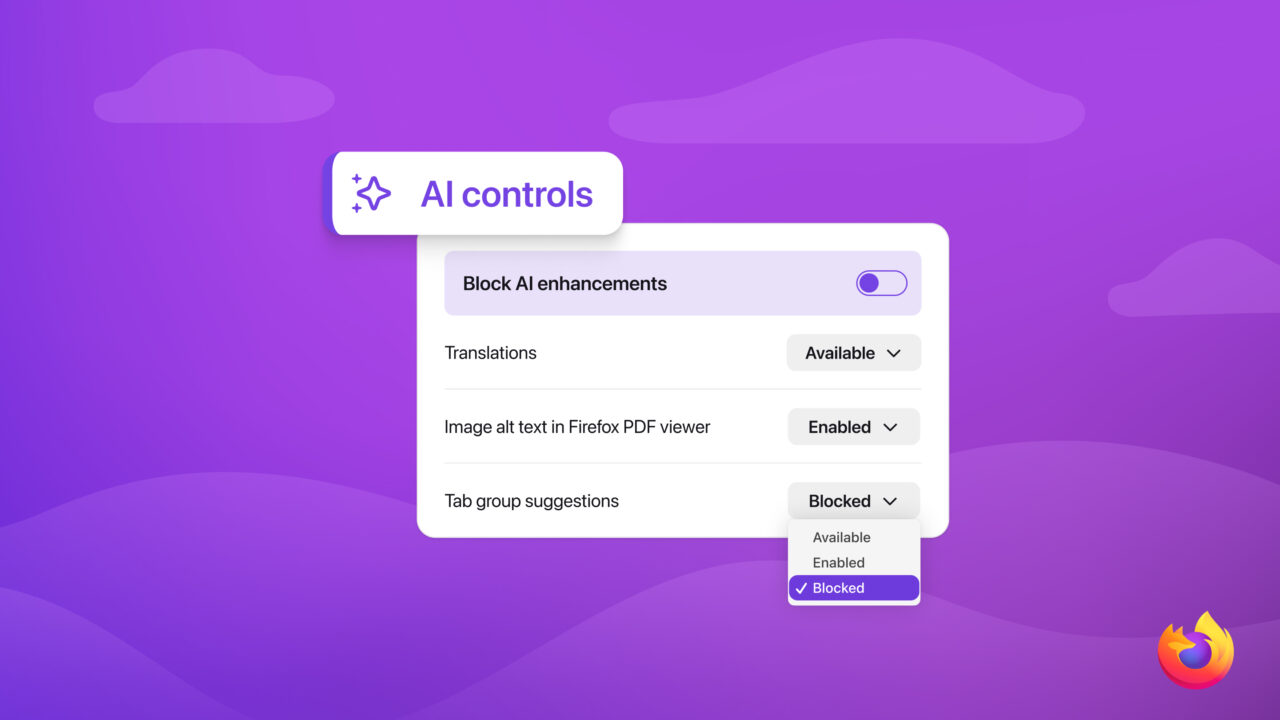
Mozilla said it will introduce a centralized set of artificial intelligence controls in Firefox 148, giving users the ability to block all AI-powered features or manage them individually as debate grows over the expanding role of AI in web browsers.
The new controls will appear in desktop browser settings starting Feb. 24, creating a single location where users can disable current and future generative AI features or selectively turn specific tools on or off. The move comes as some users increasingly resist AI integrations, while others seek more practical and customizable AI assistance.
See also: Google Rolls Out Gemini AI Features in Chrome to Boost Web Multitasking
Mozilla said the feature was developed in response to differing expectations among its user base, ranging from those who prefer a browser without AI to those who want tools that add clear value. The company said the new approach is designed to allow both groups to coexist within the same browser experience.
The controls cover features such as website translation, AI-generated alt text in PDFs, AI-assisted tab grouping, link previews and the optional chatbot in the browser sidebar. Users can mix and match these functions or activate a single toggle that blocks all AI enhancements and prevents prompts or reminders from appearing.
See also: OpenAI Launches Frontier to Scale AI Agents in the Workplace
Mozilla said the settings will persist across browser updates and can be changed at any time, underscoring what the company described as its focus on user choice. As the company put it in its announcement, “choice is more important than ever as AI becomes a part of people’s browsing experiences.”
Source: Mozilla